

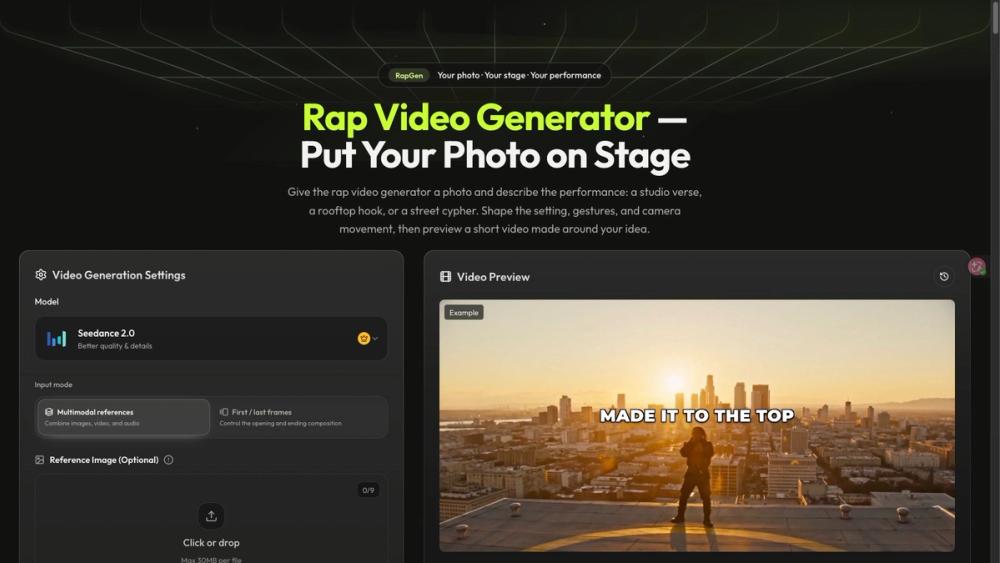
What RapGen does
RapGen turns a photo and a written performance brief into a short rap-style video. Users can describe the setting, delivery, gestures and camera, select available generation settings, then preview and download a clip.
Where it fits
The workflow is intended for individual performance shots, release-teaser concepts and short social visuals. A creator can start with a portrait and a simple scene direction rather than arranging a complete filmed sequence. Captions, final audio decisions and assembling a longer video may require a separate editing step.
Before generating
Use photos and likenesses you have permission to use. Check which inputs the selected mode supports, along with duration, output settings and the displayed credit cost. The site offers 16 starter credits for new accounts; that balance may not cover every video option. Subscriptions and one-time credit choices are also available.
Limits to review
Watch the full result for face consistency, mouth movement, hands and timing. RapGen's main photo-and-description workflow does not promise a finished song or perfect word-level synchronization. Audio-reference support depends on the mode and does not guarantee an unchanged recording. The supplied screenshot shows the website's existing interface and example preview, not a generation performed for this listing.


